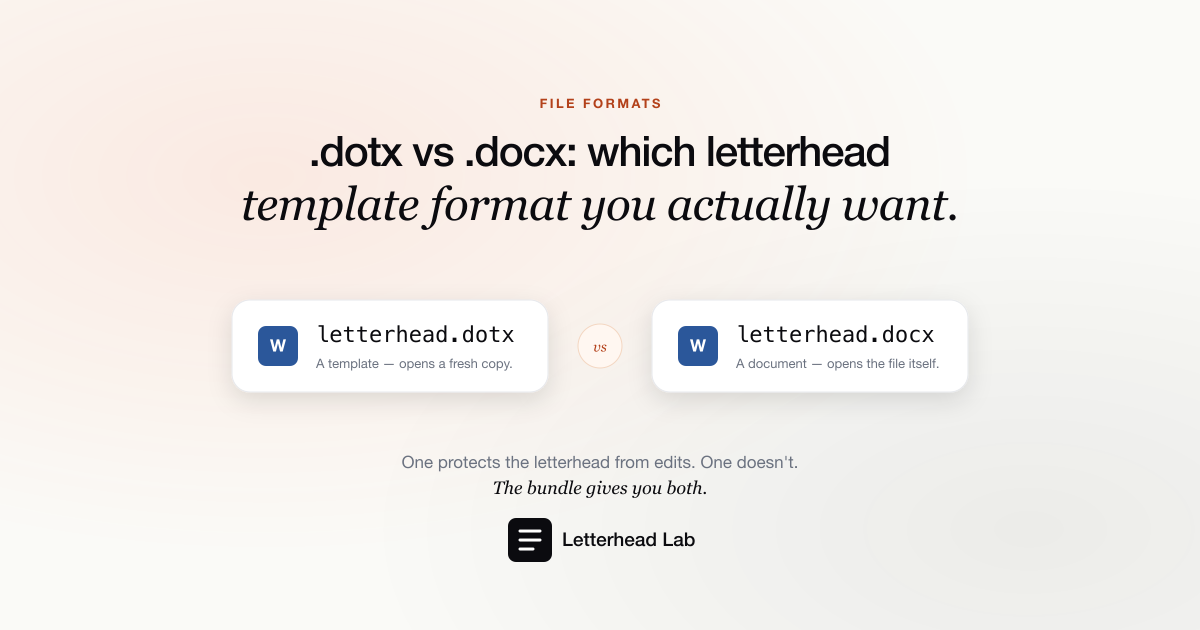
When you convert a letterhead for Word, you can get it back as a .docx or a .dotx. They look identical on screen — same letterhead, same blank body. The difference is not in how the file looks; it is in what happens the moment someone opens it. For a letterhead that a whole team will draft from, that one behavior is the deciding factor.
What .docx and .dotx actually are
A .docx is an ordinary Word document. You open it, you edit it, you save it — and your edits are saved back into that same file. It is the format almost everything in Word is.
A .dotx is a Word template. When you open a .dotx, Word does not open the template itself — it creates a brand-new untitled document that is a copy of the template, and that is what you edit. The .dotx on disk is never touched. To change the template itself, you have to open it deliberately (right-click → Open, rather than double-click).
That is the whole distinction. A .docx opens itself. A .dotx opens a copy of itself.
The problem .dotx solves for a letterhead
Picture a letterhead saved as a shared .docx in a team folder. The first person opens it, writes a letter, and — out of habit — presses Save. They have just saved their letter over the master letterhead.
The next person opens the "template" and finds last week's letter staring back at them. Now someone has to clean it up, and the blank master is gone.
This is not a rare accident; it is the expected outcome of putting an editable document somewhere a team treats as a template. A .dotx makes the accident impossible. Double-clicking it always yields a fresh, untitled copy. There is no master to overwrite, because opening it never opens the master. For any letterhead more than one person drafts from — a firm's, a team's, a family office's — that safety is the point.
When a .docx is enough
If one person owns the letterhead and drafts every letter themselves, a .docx is perfectly fine. The discipline required — always Save As, never Save — is easy to keep when there is only one person to keep it. The .dotx advantage is specifically about shared use and habit: it removes the need for everyone to remember the rule.
A .docx is also the more portable file. If the letterhead will be opened in Google Docs or Pages as often as in Word, a plain .docx travels with less friction — template behavior is a Word convention that other editors handle inconsistently.
Both, from one conversion
You do not actually have to choose blind. Letterhead Lab's Multi-page bundle returns both formats from a single conversion — the .docx for editing and the .dotx for the shared template — so a team can keep the working copy and the protected master side by side. If you only need the template format, the PDF-to-.dotx converter produces it directly.
Which to choose
The rule of thumb is short:
- One drafter, or you want maximum portability →
.docx. - A shared template a team drafts from →
.dotx, so nobody can overwrite the master. - Not sure, or both are true → take both; the bundle includes them.
Whichever you pick, the letterhead itself converts the same way — artwork locked into Word's header and footer, a clean body to type in. For the difference between converting your own PDF and starting from a generic template, see Word template vs converting your PDF. For how teams roll a shared letterhead out, see Word letterhead templates for teams.